Streaming through a direct connection
Your PC connects to the remote PC to stream the game and send your inputs.
From League matches to MapleStory adventures. Connect to a powerful PC at a gaming café and enjoy your favorites.
Remote access is available on Windows 10 / 11 PCs.
Explore the games
Get from setup to your first session with ease. Download the app on your PC to begin.
A match with friends or a world to explore on your own. Start your remote PC café experience from your familiar PC.
How to get started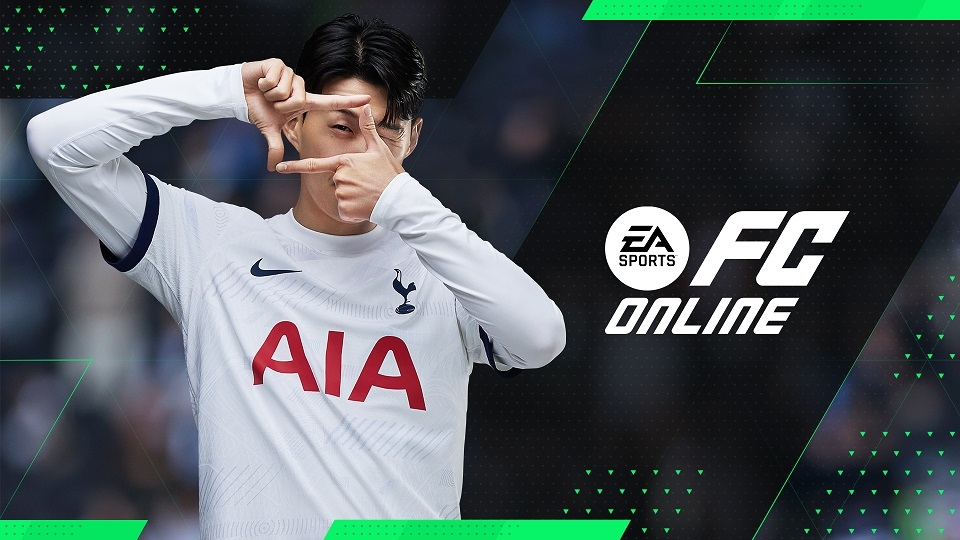


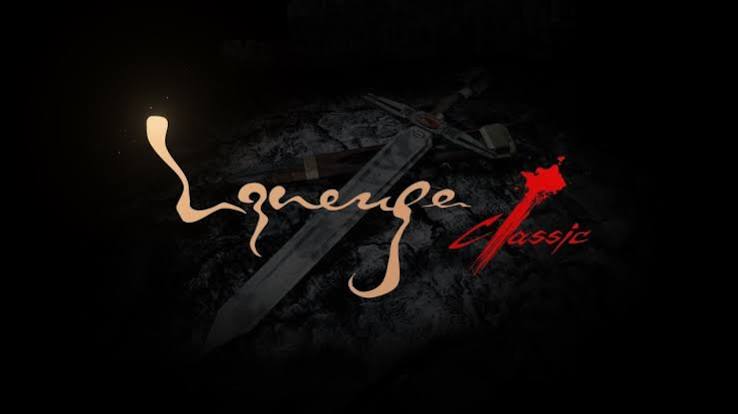
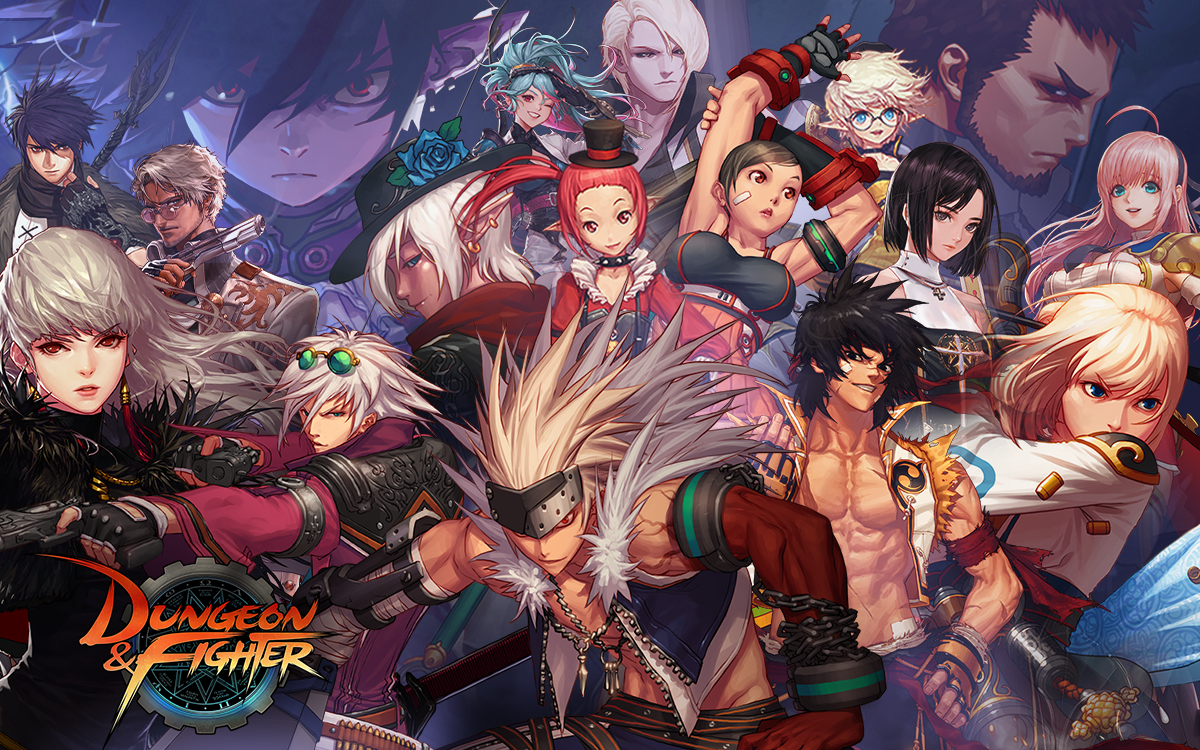
Game installation and availability depend on the assigned PC and each game’s policies.
Your PC connects to the remote PC to stream the game and send your inputs.
Use a remote gaming PC when you need one, without buying a new PC.
Add time with a pass and keep track of your remaining balance as you play.
Choose a time pass that suits you. Your time balance remains available until used up.
1 hr included
Payment currency: KRW · South Korean won
5 hr included
Payment currency: KRW · South Korean won
10 hr included
Payment currency: KRW · South Korean won
32 hr included
Payment currency: KRW · South Korean won
54 hr included
Payment currency: KRW · South Korean won
110 hr included
Payment currency: KRW · South Korean won
Loading reference exchange rates. Payments are charged in Korean won (KRW).
We will walk you through each step, from signing up to connecting to your remote PC.
Learn moreSign up and complete mobile phone identity verification.
Install the NaraPC app on your Windows 10 / 11 PC.
Log in to the app, then connect to an available remote PC.
This content is provided in its original Korean.
You can browse the website on your phone, but remote PC access requires the NaraPC app for Windows 10 / 11.
No. Only the display language changes. Your account, passes, and time balance stay the same. Payments are in South Korean won (KRW).
No. Top up only the time you need. Your time balance remains available until used up.